Webuzo – Managing web hosting doesn’t have to be complex. With Webuzo, a powerful control panel designed for ease of use, you can streamline the deployment and management of web applications and server environments.

Whether you’re a seasoned developer or new to web hosting, Webuzo offers a range of features that make hosting websites and applications straightforward and efficient.
1. One-Click Installations
Say goodbye to manual installations. Webuzo provides a library of over [number] popular web applications that can be installed with just one click. From content management systems like WordPress and Joomla to e-commerce platforms such as Magento and PrestaShop, setting up your website is quick and hassle-free.
2. Server Management Made Simple
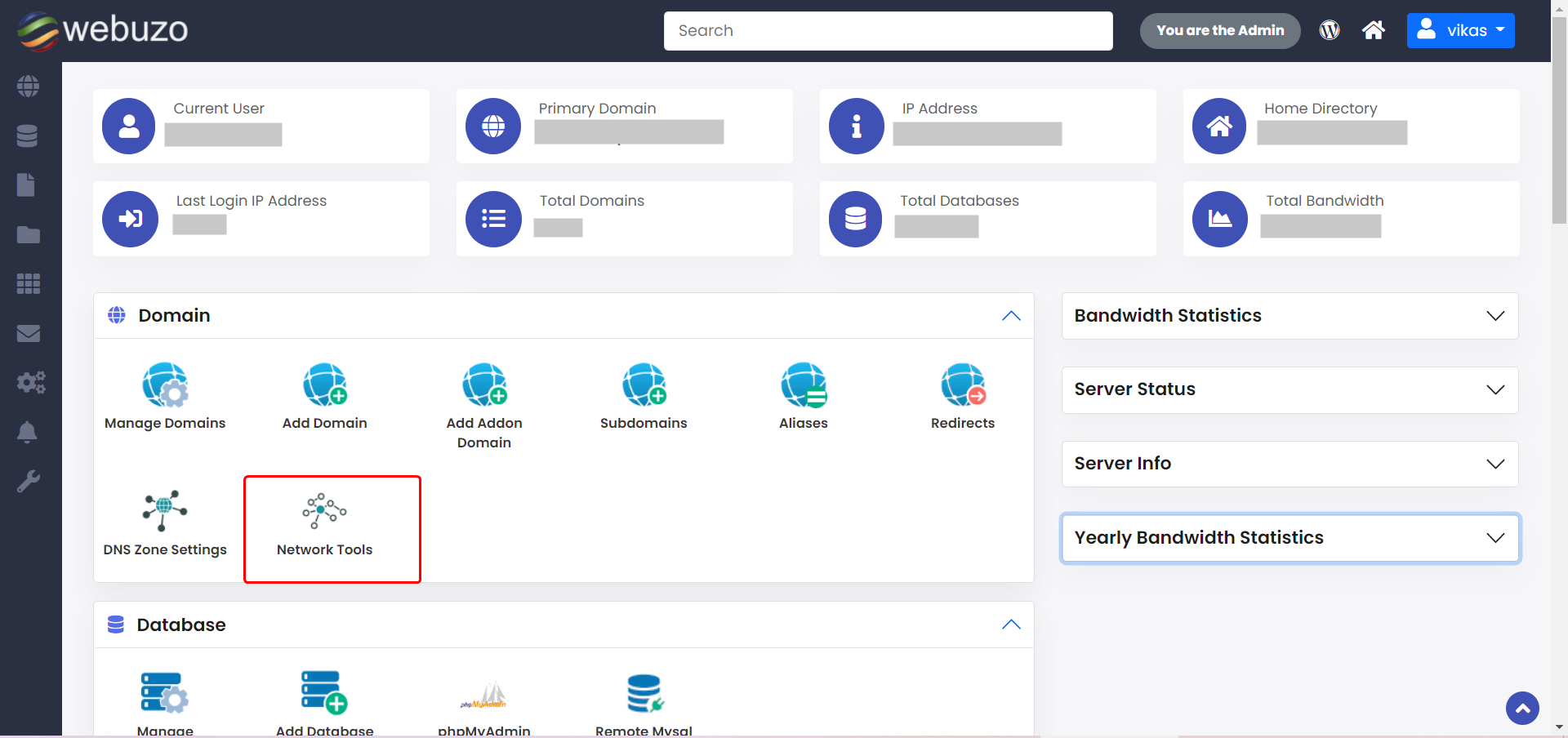
Webuzo allows you to manage every aspect of your server environment from a centralized dashboard. Control Apache, MySQL, PHP, and other server components effortlessly. Adjust configurations, monitor performance metrics, and update software versions—all through an intuitive interface.
3. Domain and DNS Management

Managing domains and DNS settings has never been easier. With Webuzo, you can add and manage domains, set up subdomains, and configure DNS records directly from the control panel. Whether you’re launching a new site or managing multiple domains, you have full control at your fingertips.
4. Email Management
Efficiently manage email accounts associated with your domains using Webuzo’s email management tools. Set up email addresses, manage forwarding and autoresponders, and ensure seamless communication for your business or personal needs.
5. Backup and Restore Capabilities
Protect your data with Webuzo’s comprehensive backup and restore features. Schedule regular backups of your websites, databases, and server configurations. In the event of data loss or server issues, restore your information quickly and minimize downtime.
6. Security Enhancements
Ensure the security of your websites and server environment with Webuzo’s built-in security features. Manage SSL certificates, configure firewalls, and block unauthorized IP addresses to safeguard your online presence against potential threats.
7. File Manager
Access, upload, download, and modify files directly from your browser using Webuzo’s integrated file manager. Organize your website files effortlessly and make necessary updates without needing additional FTP software.
8. Analytics and Logs
Gain insights into your server’s performance and track website activity with Webuzo’s analytics and logging tools. Monitor server logs, analyze traffic patterns, and optimize your websites and applications for better performance and user experience.
9. Customization and Automation
Tailor your hosting environment to suit your specific needs with Webuzo’s customization options. Create and execute custom scripts for automating tasks, deploying applications, or configuring server settings, enhancing efficiency and flexibility.
10. User Management
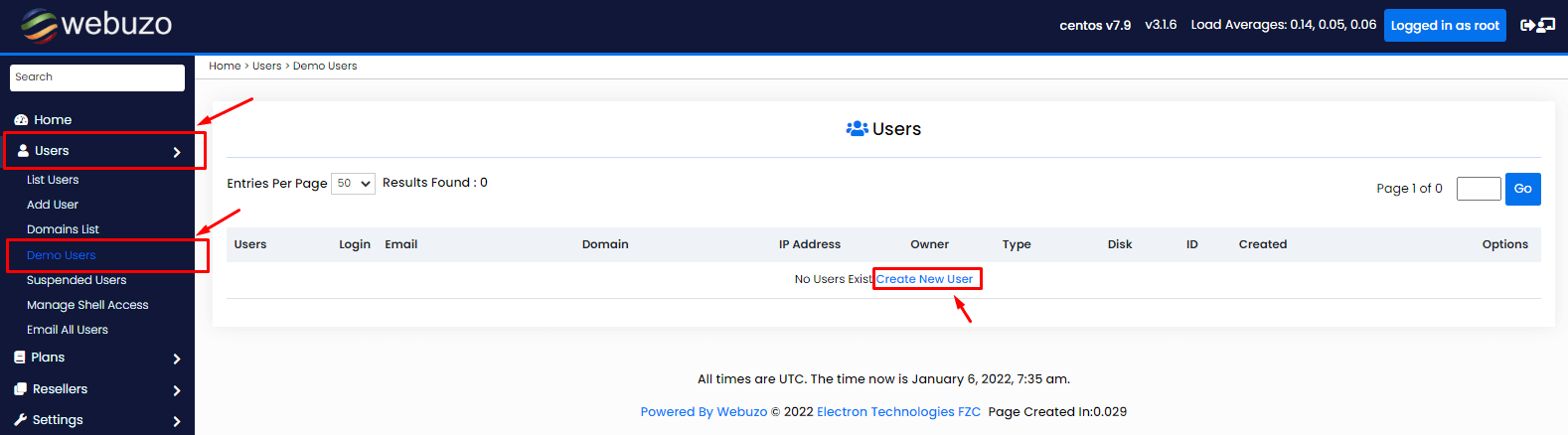
Manage multiple users and assign permissions with ease using Webuzo’s user management features. Ideal for shared hosting environments or collaborative teams, maintain control over who has access to your server resources.
Get Started with Webuzo Today
Webuzo – Whether you’re hosting a personal blog, launching an e-commerce store, or managing websites for clients, Webuzo offers the tools you need to simplify and streamline your web hosting experience. Discover how Webuzo can benefit your projects and unleash your creativity without the hassle of technical complexities.
Ready to take control of your web hosting? Explore Webuzo and experience the difference today.
