How Firewalls Work: Protecting Your Network from Attacks
In today’s digital landscape, protecting your network from cyber threats is more important than ever. One of the most fundamental tools in network security is the firewall.
But how do firewalls work, and how do they protect your network from attacks? This article will explore the essential functions of firewalls, the different types available, and best practices for configuring them.

What is a Firewall?
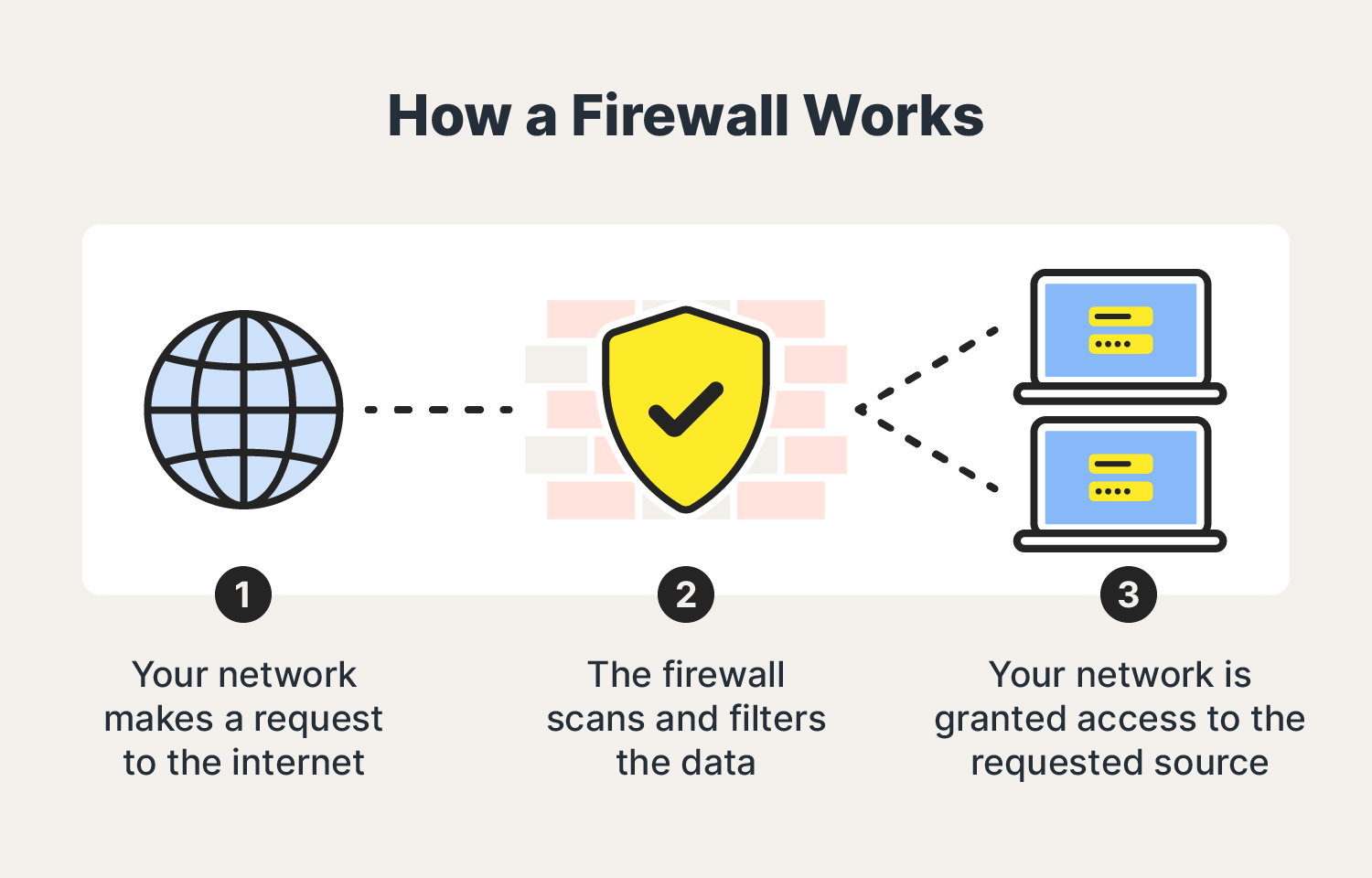
A firewall is a network security device or software that monitors and controls incoming and outgoing network traffic based on predetermined security rules. Its primary purpose is to establish a barrier between your internal network and external sources (such as the internet) to block malicious traffic and unauthorized access.
How Firewalls Work
1. Traffic Filtering
At its core, a firewall filters traffic based on rules set by the network administrator. These rules define which types of traffic are allowed or blocked. Traffic filtering can be done in several ways:
- Packet Filtering: Examines each packet that passes through the firewall and accepts or rejects it based on user-defined rules. These rules can include IP addresses, protocol types, and port numbers.
- Stateful Inspection: Tracks the state of active connections and makes decisions based on the context of the traffic (e.g., whether it is part of an established connection or a new request).
- Application Layer Filtering: Inspects the data being transmitted by specific applications, allowing or blocking traffic based on the application data content.
2. Network Address Translation (NAT)
Firewalls often use Network Address Translation to hide internal IP addresses from external networks. NAT modifies the headers of outgoing traffic so that external devices see the firewall’s IP address rather than the internal IP addresses of individual devices. This adds an additional layer of security by obscuring the internal network structure.
3. VPN Support
Many firewalls support Virtual Private Network (VPN) connections, which allow secure remote access to the internal network. VPNs encrypt data transmitted over the internet, making it difficult for attackers to intercept and read the data.
4. Intrusion Detection and Prevention
Modern firewalls often include Intrusion Detection Systems (IDS) and Intrusion Prevention Systems (IPS). IDS monitors network traffic for suspicious activity and alerts the network administrator, while IPS takes action to block or mitigate detected threats.
Types of Firewalls
1. Packet-Filtering Firewalls
These are the simplest form of firewalls that inspect packets at a network level and filter them based on IP addresses, ports, and protocols. They are fast but provide basic security.
2. Stateful Inspection Firewalls
Stateful firewalls monitor the state of active connections and make filtering decisions based on the context of the traffic. They provide more security than packet-filtering firewalls by considering the connection state and characteristics.
3. Proxy Firewalls
Also known as application-level gateways, proxy firewalls act as intermediaries between end-users and the web. They can inspect the content of the traffic at the application level, providing higher security and control.
4. Next-Generation Firewalls (NGFW)
NGFWs combine traditional firewall capabilities with additional features like deep packet inspection, IDS/IPS, and application awareness. They offer comprehensive security by integrating multiple security functions into one device.
5. Cloud Firewalls
These are firewall services hosted in the cloud, often provided as part of a broader cloud security solution. They are scalable and can protect cloud-based assets and services.
Best Practices for Configuring Firewalls
1. Define Clear Security Policies
Establish and document security policies that specify which traffic is allowed and which is denied. These policies should be based on the principle of least privilege, allowing only the minimum necessary access.
2. Regularly Update Firewall Rules
Regularly review and update firewall rules to reflect changes in the network and emerging threats. Remove outdated rules and ensure that the current rules are aligned with your security policies.
3. Monitor and Log Traffic
Enable logging and monitoring features on your firewall to keep track of network activity. Analyze logs regularly to identify potential security incidents and take corrective action.
4. Implement a Multi-Layered Defense
Use firewalls as part of a broader, multi-layered security strategy that includes other measures like antivirus software, intrusion detection systems, and regular security audits.
5. Educate Users
Ensure that users understand the importance of firewall policies and safe browsing habits. Educate them about the risks of unauthorized access and the importance of reporting suspicious activity.
Conclusion
Firewalls are a critical component of network security, protecting against a wide range of cyber threats. By understanding how firewalls work and following best practices for their configuration, you can significantly enhance the security of your network. Implementing a robust firewall solution is a crucial step in safeguarding your digital assets and maintaining a secure and reliable network environment.
